Blog
Why we group agent runs by the shape of their execution path

Alex Li
|
TL;DR
Every agent run arrives as its own trace, so one cause can be investigated many times by different people before anyone sees it is one problem.
Group runs by the shape of their execution path: which tools ran, in what order, and where the run diverged, looped or stalled.
Drawn for every run, the shapes become a population you can count. Path funnels and cohorts by intent, sentiment, error, latency or cost work on it the way they work on user paths.
To cluster agent traces by execution path, reduce each run to the sequence of steps it took (which tools, in what order), group the runs that share a sequence, and draw every group in one diagram with its count. A failure that repeats a thousand times then appears once, as a shape with a count of a thousand, and the fix list can be ranked by how many runs each shape affects.
Key facts
In OpenTelemetry, spans nest: a parent span ID links each child span to the operation it belongs to, so a trace records the structure and order of every step OpenTelemetry docs, 2026.
Braintrust writes that triaging production logs by hand "stops working entirely once you cross a few thousand traces per day" Braintrust, 2026.
Langfuse's error-analysis guide has a team sample about 100 traces, review 30 to 50 of them, and group the notes into 5 to 10 named failure categories Langfuse docs, 2026.
You work the trace in front of you
Each run lands in your trace store as its own record. A user reports a bad answer, someone opens that trace, finds the step that went wrong and files a ticket.
The next morning a different engineer opens a different trace with the same broken step and files a second ticket. Each investigation is reasonable on its own.
The same cause, investigated many times
Nothing in a list of traces says two runs share a cause. So the same problem gets picked up by different people on different days, nobody can tell a big problem from a loud one, and the fix list follows who complained.
The guides that do group failures start from a sample: Langfuse's has a team read 30 to 50 traces and sort the notes into categories. That is a sound way to name what goes wrong, and it covers the traces someone had time to read.
So what should runs be grouped by, so that a thousand occurrences read as one problem?
Group runs by the shape of their execution path
The shape of a run is its execution path: the steps it took and the order it took them in. Two runs that called classify_intent, then lookup_order, then process_refund, and failed at the refund step share a shape, however differently the two users worded their request.
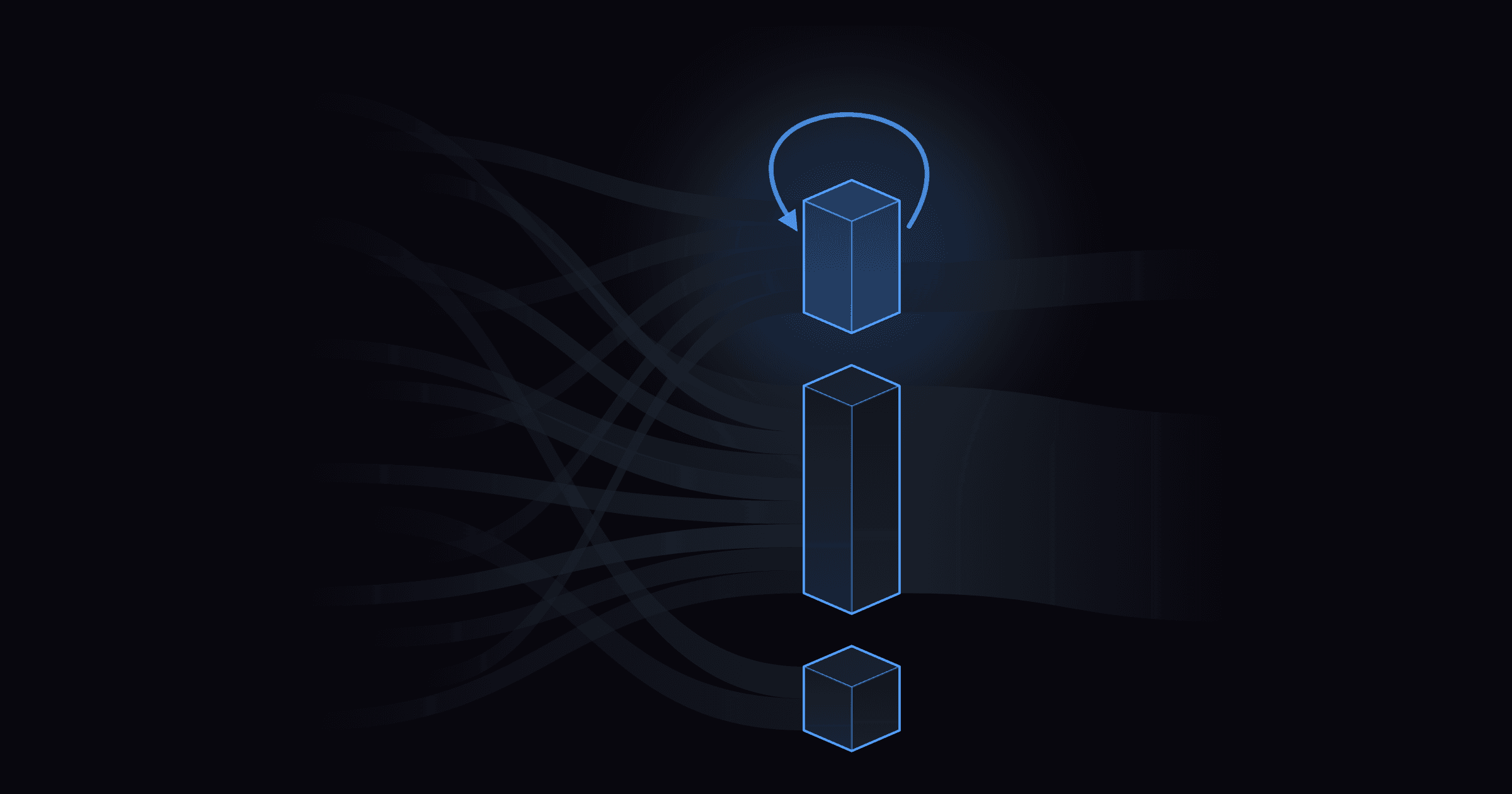
Group every run by its shape and draw the groups as one Sankey diagram, with each band sized by the number of runs that took it. Three behaviors stand out in the drawing:
Where runs diverge. A step where some runs take one branch and the rest take another.
Where runs loop. The same tool called again and again before the run moves on. A loop shows up as one shape.
Where runs stall. A step where runs stop and never reach the next one.
Why the path is the grouping key
The path is already in the trace. Each span carries its parent, so the sequence of steps comes straight from the data, before any model reads the run. It is also where the agent made its decisions: which tool to call next, whether to retry, when to give up. Two runs that made the same wrong decision land in the same shape.
Other approaches group runs by what they were about. Braintrust's Topics asks a model to summarize each trace along one dimension, such as the task, then clusters the summaries. That shows what users are asking for. Which steps the agent took to answer them is a separate question, and the path answers it.
Read traces one at a time: groups nothing and covers the traces someone opens. Good for debugging one known run. You can count nothing across runs.
Sample, read and label: groups runs into categories a person writes after reading a sample, often 30 to 100 traces. Good for naming the kinds of failure you have. You can count failures per category, in the sample.
Group by execution path: groups runs by which tools ran, in what order, across every run. Good for seeing where runs diverge, loop or stall. You can count runs per shape, per step.
Patterns that aren't failures
The grouping covers every run, including runs that end well:
A new usage pattern. Users ask the agent for something it wasn't designed for, and it improvises a new route through your tools. The shape appears before anyone files a request.
A retry loop that succeeds. The agent calls the same tool four times before it gets a usable result. The run finishes and the user is happy. A retry loop burning through your token budget should be visible the moment it starts climbing, and as a shape it is: the band gets wider week over week.
Once runs are grouped, the analyst's tools apply
A shape with a count can be analyzed the way an analyst reads user paths:
Path funnels show, step by step, how many runs reach each step, and where they diverge, loop or stall.
Cohorts split the population by intent, sentiment, behavior, error, latency or cost. Compare refund requests with overall traffic, or the slowest tenth of runs with the rest.
A ranked fix list. In an illustrative week, a shape that affects 1,200 runs goes ahead of one that affects 40, whoever reported the second one.
How Kubit draws it
Kubit clusters every agent run by the shape of its execution path and draws the whole population as one Sankey, in Flows. Polaris, the small language model we built in-house, labels every span with intent, sentiment, failures and hallucinations, and those labels travel with each shape. Kubit queries the traces in place, in your own Databricks, Snowflake, BigQuery or ClickHouse account.
See it live on October 28
On Wednesday, October 28 at 1pm PT, Arya Kanna (Co-Founder and CEO of Sparta) and I are running a live session with a demo support agent. Arya tests it in Sparta's Worlds before launch. I read the same agent's traces with Kubit after launch, group the runs by execution path, and we turn one failure pattern into a permanent test. Everyone who registers gets access to Sparta's closed beta with 50,000 credits. Save a seat.
We're opening a first early-access cohort for teams running agents in production, with traces in Databricks, Snowflake, BigQuery or ClickHouse. Applications close October 30. Request early access, or book 20 minutes with me.
Previous post: Every trace looks green and the agent is still failing.
FAQ
How do you cluster agent traces by execution path?
Reduce each run to the ordered list of steps it took, using the parent-child structure of the spans in its trace. Group runs that share the same sequence, then draw the groups as one diagram, such as a Sankey, with each group sized by its number of runs.
What is the shape of an agent run?
Its execution path: which tools and model calls ran, in what order, including any branches, repeats and the step where the run stopped. Runs that took the same path share a shape, whatever the user typed.
How is grouping by execution path different from grouping by topic?
Topic grouping sorts runs by what they were about, usually by summarizing each run with a model and clustering the summaries. Path grouping sorts runs by the steps the agent took. The two answer different questions, and you can use both.
Should I group successful runs too?
Yes. A new usage pattern or a retry loop that eventually succeeds shows up only among successful runs, and a retry loop can cost tokens on every run before anyone sees a failure.
Do I have to move my traces to group them?
No. Kubit queries agent traces in place, inside your own Databricks, Snowflake, BigQuery or ClickHouse account. There's no SDK to install and no pipeline to build.